3D Engineering Animations - How to Download a Model
The idea of creating a 3D interactive model that allows you to see the details of each part has been around for decades. This is especially true for students since it is common to see the concept of a 3D model in a class, but there is nothing more than a drawing and a couple of sentences to describe the mechanism.
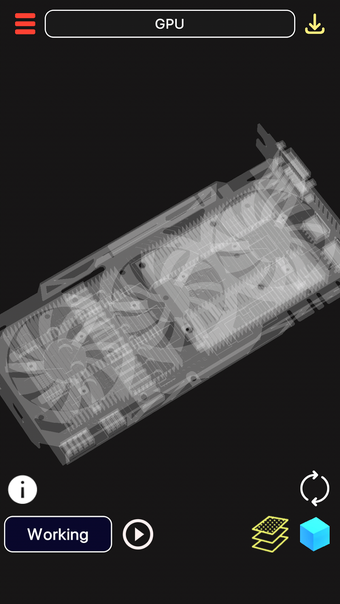
3D Engineering Animations allows you to download the 3D models from the online library of this app and view them in real time. You can also view information from the Animation Dictation. Download the model, install it, and see how it works from your computer, and you will see how it will work on your smartphone or tablet.
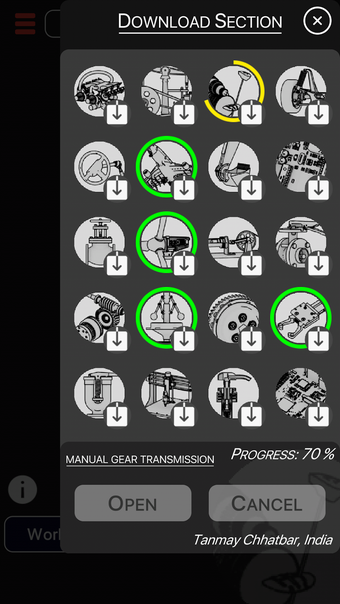
How to download a model?
You need to create an account in this application. After this, you can download models from the online library. After downloading a model, you will need to install it and then open it.